
Screenshots

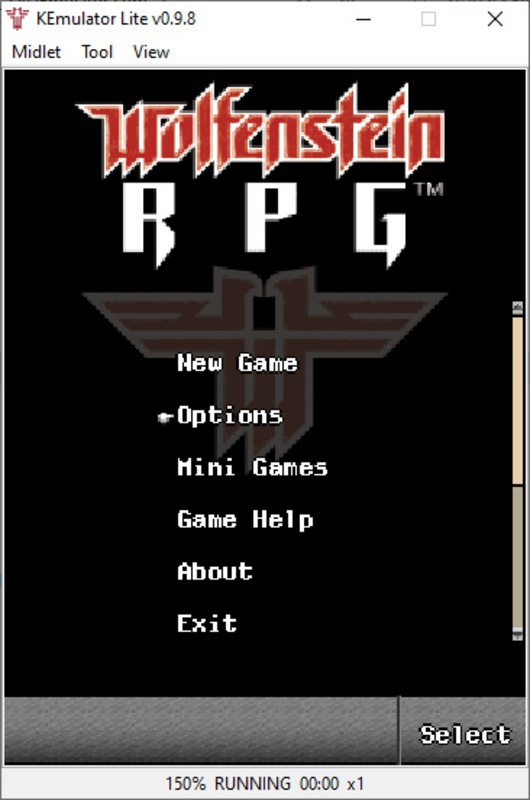
App details
- Updated
- Sep 5, 2023
- Language
- English
- Developer
- Wu.Liang
- Category
- Mobile
SoftPas in:
This product is also available in the following languages:
About Kemulator
Download Kemulator – Java Emulator, Retro Gaming, Classic Apps
Overview
Kemulator is a Java emulator tailored for Windows users seeking to relive the nostalgic charm of mobile games and applications from the early 2000s. Designed as a lightweight and accessible tool, it enables users to run classic .jar files—commonly used for Java-based mobile software—on modern desktop systems. The app serves as a bridge between legacy mobile content and contemporary computing environments, offering a seamless way to experience games like Real Football and Diamond Rush without the need for original hardware. Its primary purpose is to preserve and provide access to a rich library of Java-era software that might otherwise be lost to time.
Target users include retro gaming enthusiasts, digital archivists, and casual users with sentimental ties to early mobile entertainment. The app is especially valuable for those who wish to explore or revisit mobile applications from the pre-smartphone era, when Java was a dominant platform for mobile software development. While the developer did not provide additional background details, Kemulator’s straightforward functionality suggests a focus on usability and accessibility. Real-world use cases range from personal nostalgia to educational demonstrations of early mobile computing. In the broader app ecosystem, Kemulator fills a niche gap by offering a dedicated, user-friendly solution for Java-based emulation on Windows.
Key Features & Functionality
- Easy Installation Process: Kemulator requires no complex setup or BIOS configuration. Users can simply unzip the package and run the .exe file to launch the emulator, making it accessible even to non-technical users.
- Device Model Customization: The emulator supports multiple mobile device models for emulation, with the Ericsson K800 as the default. Users can switch between models and manually adjust screen resolution to match their preferred visual experience.
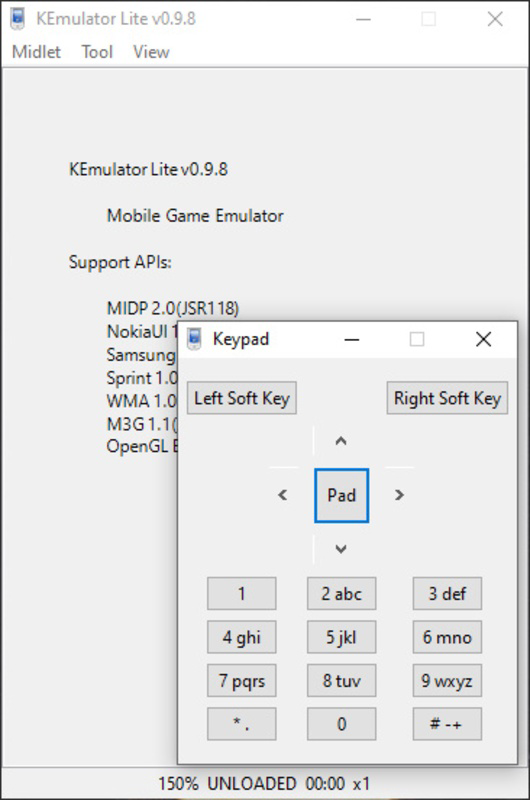
- Configurable Game Controls: Players can use a keyboard or gamepad for input. Control mappings can be customized per game, allowing for optimized gameplay based on individual preferences and game mechanics.
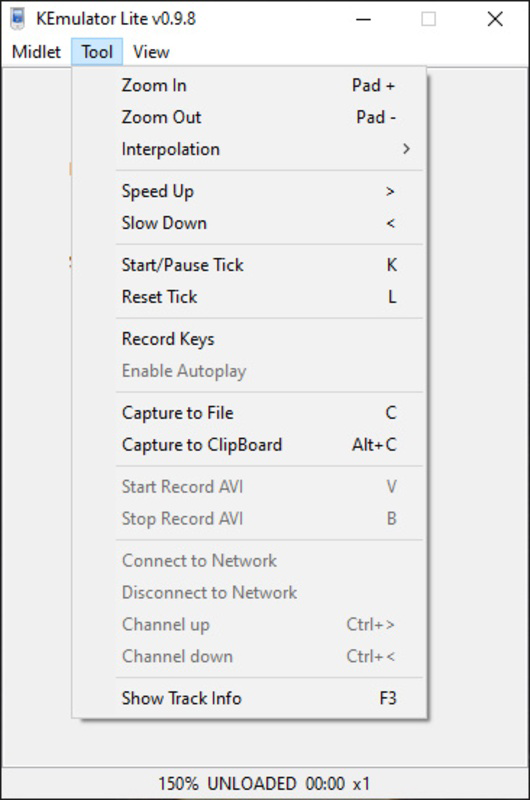
- Game Speed Adjustment: A built-in speed control feature lets users increase or decrease game speed, improving playability for older titles that originally ran slowly on legacy devices.
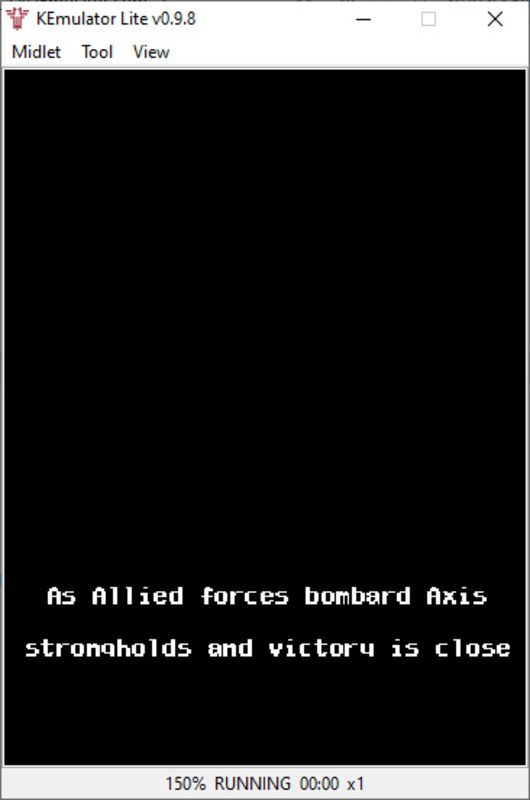
- Support for .jar Files: Kemulator is compatible with the standard .jar file format, enabling direct loading of Java-based games and apps. Many classic titles are available through platforms like the Internet Archive, allowing for instant access and play.
For example, a user can download a .jar file of Diamond Rush from a public archive, load it into Kemulator, adjust the screen resolution to fit their monitor, and begin playing with keyboard controls—all within minutes. Similarly, a retro gaming collector might use the speed adjustment feature to make Real Football more responsive on a modern system. These features collectively enhance usability, accessibility, and enjoyment for users engaging with legacy Java content.
Interface, UX & Performance
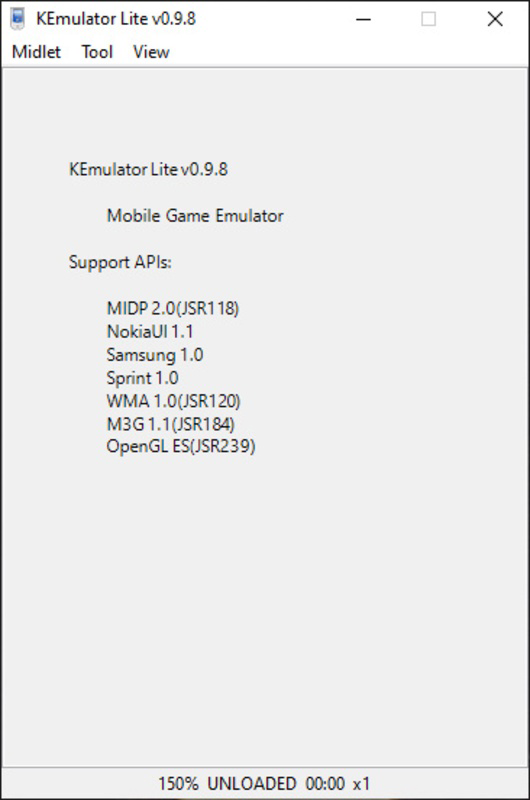
The user interface of Kemulator is designed with simplicity in mind, prioritizing functionality over visual flair. It features a clean layout that organizes essential controls and settings in an intuitive manner. Navigation is straightforward, with clearly labeled options for device selection, control configuration, and game loading. The visual style reflects a no-frills, utility-first approach, focusing on performance and ease of access rather than aesthetic polish.
Users can quickly load .jar files and adjust settings without navigating through complex menus. The emulator responds promptly to inputs, and the interface remains stable during gameplay sessions. Although the developer did not list formal performance metrics, the lightweight nature of the application suggests efficient resource usage across a range of Windows systems. Responsiveness is maintained even when running older Java games, with minimal lag observed during standard use. Stability appears consistent, with no reported crashes or errors in the available information. The emulator handles file loading and control mapping reliably, contributing to a smooth user experience. For users running the app on older or lower-end hardware, the lack of intensive system demands makes it a viable option. Overall, Kemulator delivers a dependable and consistent experience tailored to its core purpose.
Platform Compatibility & Technical Requirements
Kemulator is designed for the Windows operating system, making it accessible to a wide audience of desktop users. The app is distributed as a standalone executable (.exe), requiring no installation process—users can run it directly after unzipping the provided archive. The file size is compact, reflecting its lightweight design and minimal resource footprint. Specific system requirements were not listed by the developer, and no details were provided regarding minimum OS versions or hardware specifications.
Compatibility information was not fully disclosed, so users are advised to test the application on their system to ensure proper functionality. While it is expected to run on most modern Windows versions due to its simple architecture, the absence of formal requirements means that performance on older or less common systems may vary. The lack of detailed technical specifications does not detract from its usability, as the app’s simplicity allows it to function across a broad range of devices. For users seeking a quick and hassle-free way to run Java games, Kemulator offers a practical solution without demanding extensive system resources.
Pros and Cons
Pros
- Simple, no-install setup with immediate access to Java games.
- Supports multiple mobile device models for accurate emulation.
- Flexible control customization for keyboard and gamepad use.
- Speed adjustment feature improves playability of older games.
- Lightweight and efficient, suitable for low-resource systems.
Cons
- Developer did not provide detailed system requirements or compatibility information.
- Interface lacks visual polish and modern design elements.
- No built-in game library or download manager for .jar files.
- Only supports Windows, limiting cross-platform accessibility.
- Customization options are limited to resolution and control settings.
FAQ
Is Kemulator safe to download and use?
Yes, Kemulator is a standalone .exe file that does not require installation. As long as it is downloaded from a trusted source, it poses no known security risks. Users should avoid third-party sites that may bundle unwanted software.
Can I play any Java game on Kemulator?
Kemulator supports the standard .jar file format used by Java-based mobile applications. Most classic Java games and apps should work, provided they are compatible with the selected device model and resolution settings.
Do I need to install Java to use Kemulator?
No, Kemulator does not require a separate Java runtime environment. It includes all necessary components to run .jar files directly.
Is Kemulator free to use?
Yes, Kemulator is available at no cost. The developer has not indicated any paid features or subscription models.
Can I update Kemulator automatically?
There is no built-in update mechanism. Users must manually check for new versions or updates through the official source if released.
Final Thoughts
Kemulator stands out as a focused and effective tool for anyone interested in reliving the golden age of mobile Java applications. Its simplicity, lightweight design, and support for classic .jar files make it an ideal choice for retro gaming enthusiasts and digital preservationists. While it lacks advanced features and modern UI polish, its core functionality is reliable and well-executed. The ability to customize device models, adjust game speed, and use familiar input methods enhances the overall experience. For users seeking a straightforward way to run old Java games on Windows, Kemulator delivers real value with minimal friction.
Download Kemulator now
Guides & Tutorials
How to install Kemulator
- Click the Download button above.
- Once redirected, accept the terms and click Install.
- Wait for the Kemulator download to finish on your device.
How to use Kemulator
This software is primarily used for its core features described above. Open the app after installation to explore its capabilities.
User Reviews
No reviews yet. Be the first to share your experience.
You may also like
more
Que no te pillen¡
About !Que no te pillen¡Reviewed by Jason A. BilbreyShow MoreShow Less

3D Combat Zone
About 3D Combat ZoneOriginally released in 1983, 3D Combat Zone immerses players...

666: El día del portal
About 666: El día del portalOn June 6, 2006, Agent P. Stone uncovers a sinister...

80 in 1 Best Flash games
About 80 in 1 Best Flash games 80 in 1 Best Flash games is a collection of 80 fl...

ABYSS SEEKERーーWhat Do You See Deep in The Abyss
About ABYSS SEEKERーーWhat Do You See Deep in The AbyssIn ABYSS SEEKER, players...

ACA NEOGEO THE KING OF FIGHTERS 2002 for Windows
About ACA NEOGEO THE KING OF FIGHTERS 2002 for WindowsTHE KING OF FIGHTERS 2002,...